


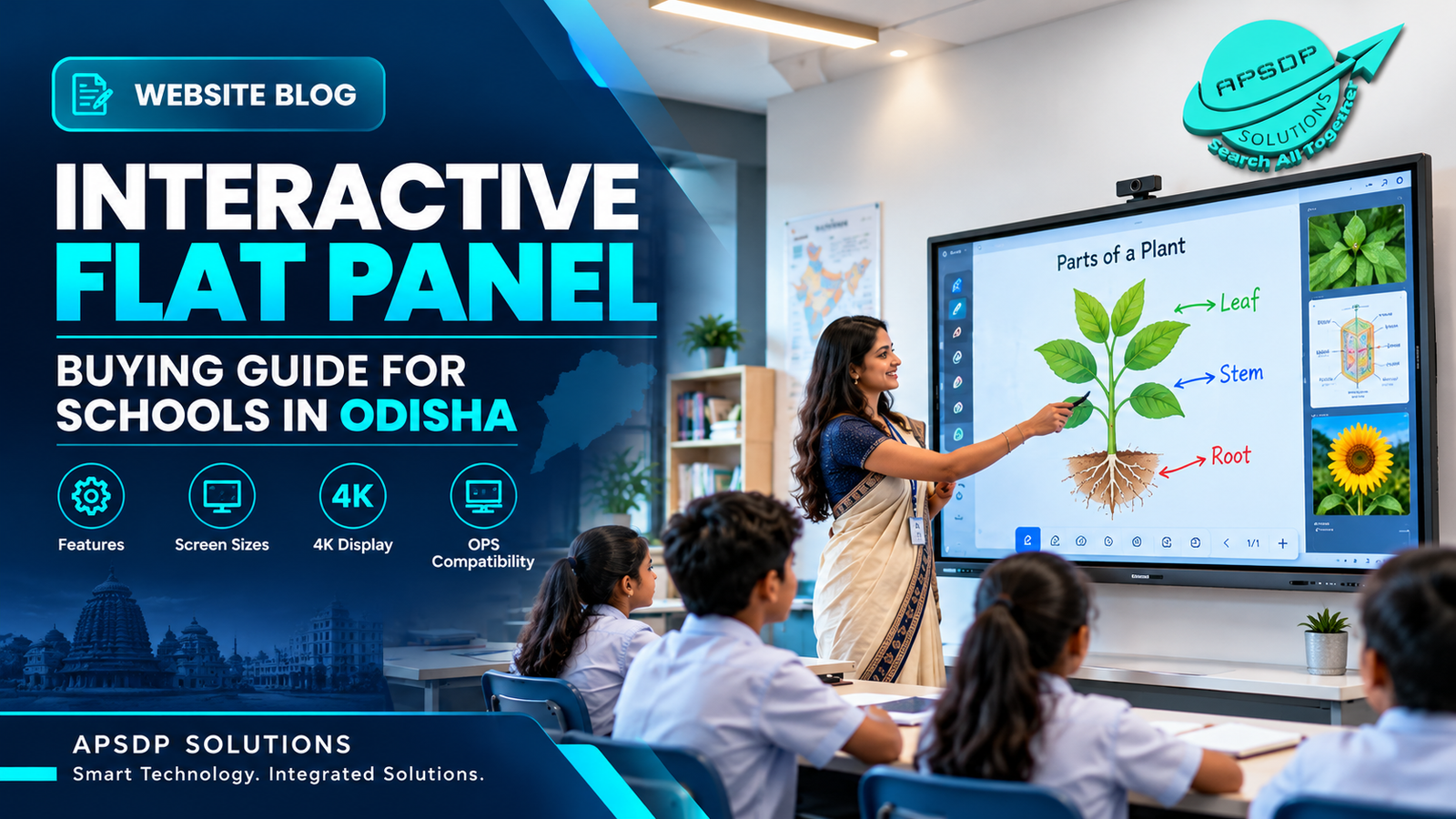
How to Choose an Interactive Flat Panel for Schools in Odish
How to Choose an Interactive Flat Panel for Schools in Odisha
Modern education is evolving with digital learning, interactive teaching methods and technology-enabled classrooms. Schools and colleges are increasingly exploring smart classroom solutions to make lessons more engaging, presentations more effective and classroom collaboration easier. One technology supporting this transformation is the Interactive Flat Panel (IFP).
For educational institutions planning to upgrade their teaching infrastructure, choosing the right interactive flat panel involves more than selecting a screen size. Display resolution, touch responsiveness, software compatibility, connectivity, installation requirements and after-sales support are all important considerations.
APSDP Solutions provides smart education technology and interactive display solutions for institutions in Bhubaneswar and across Odisha. This guide explains the essential features schools should evaluate before investing in an interactive flat panel.
What Is an Interactive Flat Panel?
An interactive flat panel is a large touchscreen display designed for digital presentations, collaborative learning, annotation and interactive whiteboarding. Depending on the model, it may include an integrated operating system, built-in speakers, wireless screen sharing, classroom applications and support for an external OPS computer.
Unlike a traditional projector setup, an interactive flat panel displays content directly on its screen without requiring a separate projection surface. It can help teachers explain complex concepts visually, annotate documents and engage students through multimedia learning materials.
Interactive flat panels can be used in school classrooms, college lecture halls, coaching centres, training rooms and corporate meeting spaces.
1. Choose the Right Interactive Flat Panel Screen Size
Screen size should be selected according to classroom dimensions, viewing distance, seating arrangement and the number of students.
-
65-inch interactive flat panel: May suit smaller classrooms, training rooms and compact meeting spaces.
-
75-inch interactive flat panel: Can be a practical option for many standard classrooms and collaborative learning environments.
-
86-inch interactive flat panel: May be appropriate for larger classrooms, lecture spaces and conference rooms.
These are general guidelines, not fixed room-size rules. Institutions should assess viewing distance, visibility from the back row and installation position before purchasing.
2. Check 4K UHD Display Quality
A 4K UHD display has a resolution of 3840 × 2160 pixels. This can provide detailed visuals for educational diagrams, presentations, charts, digital textbooks and video content.
When evaluating an interactive flat panel, check brightness, viewing angles, surface finish, contrast, colour reproduction and readability under the classroom's lighting conditions.
A high-resolution display is useful, but overall screen quality and classroom visibility should also influence the decision.
3. Evaluate Touch Technology and Digital Whiteboarding
Touch functionality is one of the most important features of an interactive flat panel. Teachers should be able to write, draw, highlight text, move objects and annotate content comfortably.
Check the supported multi-touch points, writing accuracy, palm rejection where available, response speed and compatibility with the applications used by the institution.
Digital whiteboarding can support brainstorming, mathematical problem-solving, interactive diagrams and collaborative exercises. The actual experience depends on the panel's hardware, software and supported applications.
4. Understand the Operating System and OPS Compatibility
Many interactive flat panels include an integrated operating system for running supported applications and accessing digital teaching resources.
Some models also support an OPS (Open Pluggable Specification) computer, which can provide a Windows-based computing environment through a compatible module.
Before purchasing, verify:
-
The operating system and supported software.
-
Available RAM and storage, where applicable.
-
OPS slot compatibility and supported computer specifications.
-
Compatibility with existing educational applications.
-
Software licensing, security updates and upgrade policies.
An OPS computer is not automatically included with every interactive flat panel. Confirm the exact configuration and total system cost with the supplier.
5. Review Connectivity and Screen-Sharing Features
A school may need to connect laptops, USB drives, document cameras, external computers and other teaching equipment.
Check the available HDMI, USB, USB-C, LAN and wireless connectivity options. Ports and features vary between models, so verify the specification sheet before ordering.
Wireless screen sharing can help teachers present lessons from compatible laptops or mobile devices. Check supported platforms, network requirements, simultaneous connections and any software limitations.
6. Compare Interactive Flat Panels with Traditional Projectors
Both technologies can support classroom presentations, but their operation differs.
An interactive flat panel offers a direct-view display, touchscreen interaction and digital annotation when supported. A projector displays an image on a screen or suitable surface and may require additional equipment for interactive functionality.
Schools should compare total installation costs, room lighting, maintenance requirements, display size, interactive capabilities and expected usage before making a decision.
An interactive flat panel may suit institutions prioritising touchscreen collaboration, while a projector may remain suitable for certain large-room or budget-specific applications.
7. Consider Installation, Warranty and After-Sales Support
A successful smart classroom installation requires more than purchasing the display.
Institutions should evaluate wall-mounting requirements, structural suitability, electrical supply, cable management, network connectivity, classroom layout and user training.
Before placing an order, confirm the manufacturer's warranty, installation scope, technical support arrangements, availability of replacement parts and applicable service terms.
For schools in Bhubaneswar, Cuttack, Puri and other Odisha locations, it is helpful to discuss delivery, installation and support arrangements with the supplier in advance.
8. How Much Does an Interactive Flat Panel Cost in Odisha?
Interactive flat panel pricing depends on screen size, display specifications, touch technology, operating system, memory, storage, software, OPS configuration, accessories and warranty.
Installation, wall mounts, mobile trolleys, delivery and training may also affect the total project cost.
Instead of comparing only the advertised screen price, schools should request an itemised quotation that clearly identifies the panel model, included accessories, taxes, installation charges and warranty conditions.
APSDP Solutions can be contacted to discuss institutional requirements and explore suitable interactive display configurations for smart classroom projects in Odisha.
Frequently Asked Questions (Q&A)
Q1. What is the best interactive flat panel for schools?
The best option depends on classroom size, teaching requirements, display quality, touch performance, software compatibility, connectivity and budget. Schools should compare complete specifications and request a demonstration when possible.
Q2. Which interactive flat panel size is suitable for a classroom?
Common options include 65-inch, 75-inch and 86-inch displays. The appropriate size depends on classroom dimensions, seating capacity and viewing distance.
Q3. Is a 4K interactive flat panel suitable for digital teaching?
A 4K UHD panel can display detailed text, diagrams, educational videos and presentations. Schools should also consider brightness, readability, touch responsiveness and software compatibility.
Q4. What is an OPS computer in an interactive flat panel?
An OPS computer is a compatible pluggable computing module that can provide a computer environment, often Windows-based, for supported interactive displays. Availability and compatibility depend on the panel model.
Q5. Can interactive flat panels replace classroom projectors?
They can replace projectors in many classroom applications, particularly where direct-view touchscreen interaction is desirable. The choice should consider room size, display requirements, installation costs and intended use.
Q6. Where can schools find interactive flat panel solutions in Bhubaneswar?
Schools and educational institutions can contact APSDP Solutions to discuss interactive flat panel requirements, smart classroom configurations, product specifications and quotations. Confirm model availability, installation scope and service terms before purchasing.
Conclusion: Upgrade Your Institution with Smart Classroom Technology
Choosing the right interactive flat panel can help schools create more engaging digital learning environments and support modern teaching methods. Evaluating screen size, 4K resolution, touch technology, operating system, OPS compatibility, connectivity and after-sales support helps institutions make informed purchasing decisions.
If your school or college is planning a smart classroom upgrade, APSDP Solutions offers smart education technology and interactive display solutions for institutions in Bhubaneswar and across Odisha.
Contact APSDP Solutions to discuss your requirements, compare suitable configurations and request a quotation for your next smart classroom project.
APSDP Solutions — Smart Technology. Integrated Solutions.